The corporate ID card is evolving from a simple photo badge into an important part of the organization’s identity and security infrastructure.
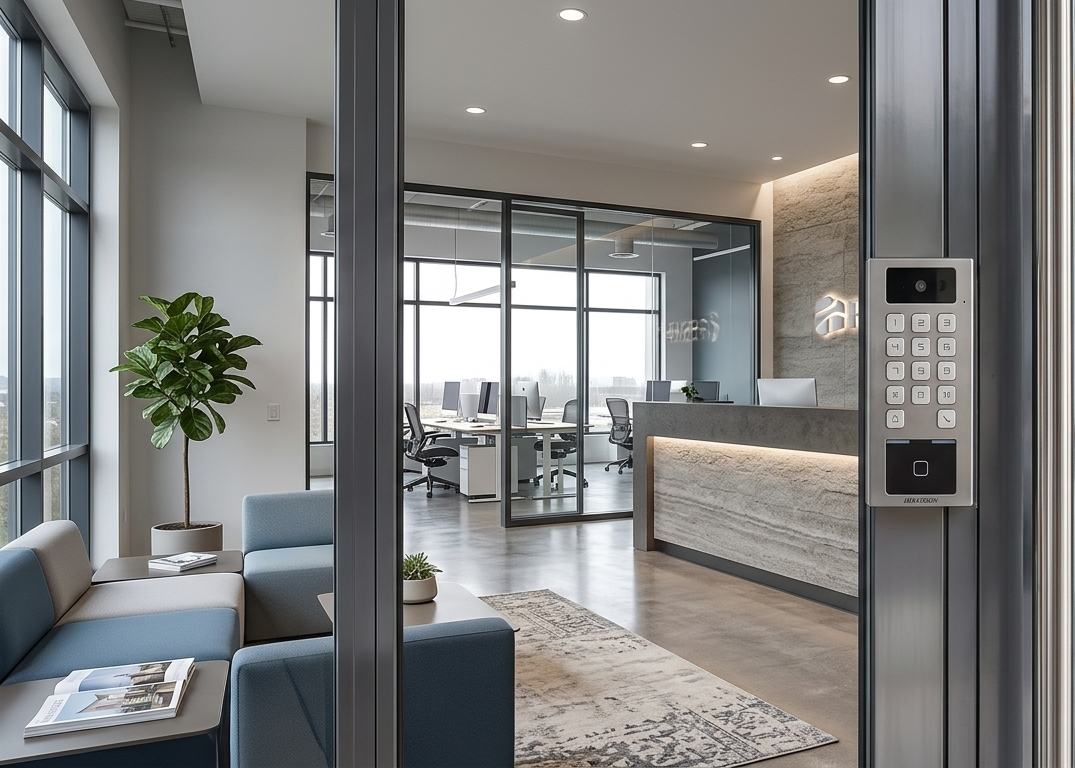
A modern employee credential can combine visual identification, physical access control and secure digital authentication. Depending on the technology and system configuration, it may be used to enter buildings, authenticate to computers, support digital signatures or connect employees to additional workplace services.
The result is a more unified identity experience—one that connects the physical and digital workplace without compromising security or convenience.
More Than an Employee Badge
Traditional employee badges were primarily designed to display a name, photograph and company logo. These elements remain important, but today’s corporate credentials can support a much wider range of applications, including:
- Access to buildings and restricted areas
- Permissions based on role, department or schedule
- Time-and-attendance systems
- Secure workstation and application login
- Multi-factor and passwordless authentication
- Digital signatures and certificates
- Printing, parking and workplace services
- Mobile and wallet-based credentials
Not every employee card supports all these functions. The selected card, reader and software infrastructure must be compatible with the required applications.
Why Physical Credential Security Still Matters
Organizations invest heavily in firewalls, identity and access management, multi-factor authentication and endpoint protection. However, physical access is also part of the security chain.
A poorly protected card may be copied, shared or visually counterfeited. This can create a particular risk in environments such as:
- Data centers
- Manufacturing facilities
- Financial institutions
- Healthcare organizations
- Government facilities
- Research laboratories
- Educational campuses
A secure credential program should therefore address both electronic protection and rapid visual verification.
The Three Layers of a Modern Corporate ID Card
Personalized Design
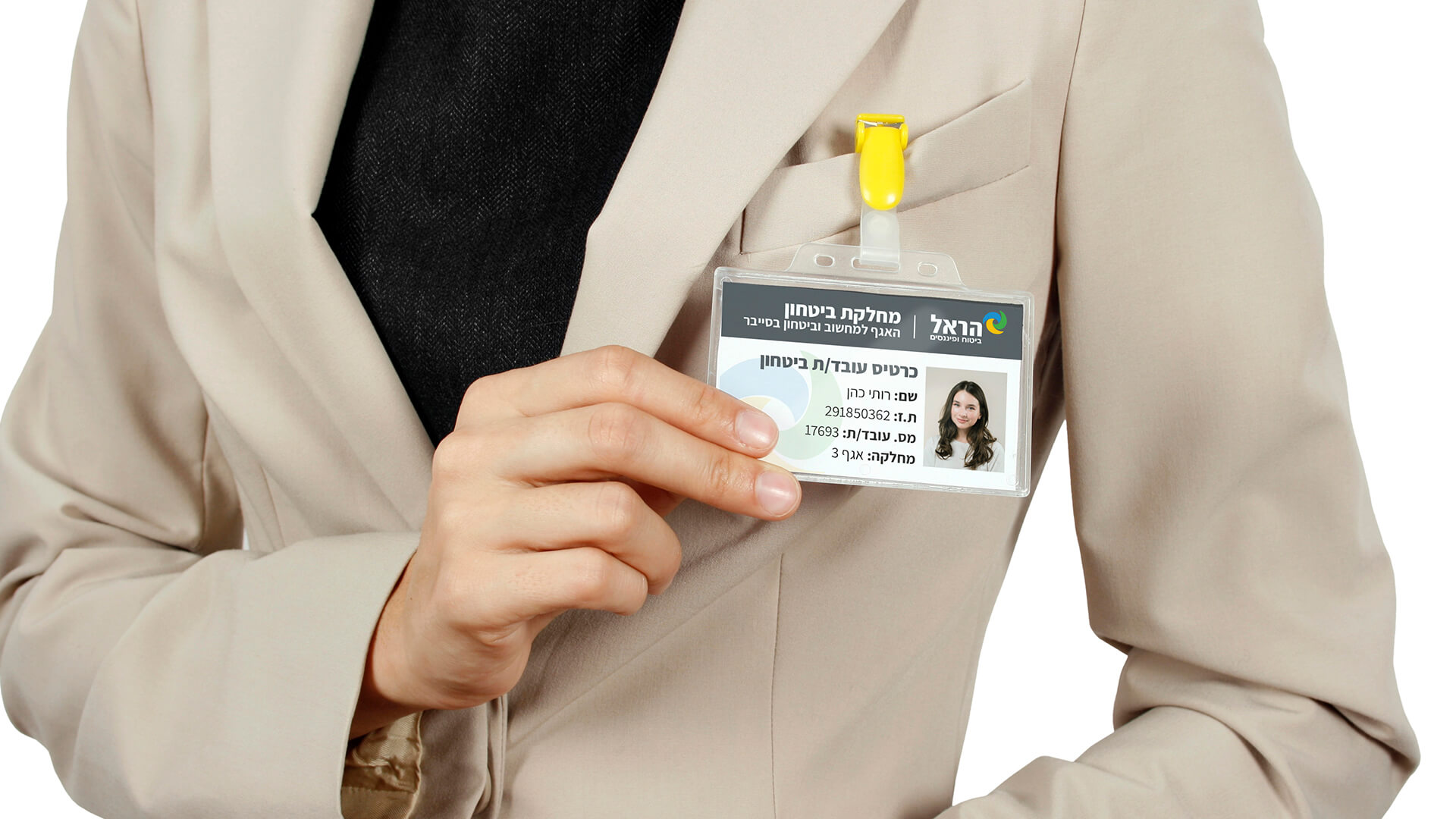
Personalization links the credential to a specific employee. A corporate ID card may display:
- Employee name and photograph
- Job title or department
- Employee number
- Company branding
- Expiration date
- Color-coded employee category
Clear design helps security and reception staff verify the card quickly. It also strengthens the organization’s visual identity and creates a consistent, professional appearance.
Smart-Card Technology
Contactless smart cards can be used to authenticate employees to compatible access-control and identity systems.
Depending on the security requirements, the credential may incorporate technologies such as:
- RFID proximity technology
- Secure contactless smart cards
- MIFARE DESFire credentials
- PKI smart cards
- FIDO-enabled credentials
- Dual-technology cards for system migration
Secure smart-card technologies may support encryption, mutual authentication and protected credential data. The level of protection depends on the selected technology, key management and system configuration—not simply on whether the card is described as RFID or contactless.
Visual Security Features
Visual security features help identify a genuine card without requiring an electronic reader.
These may include:
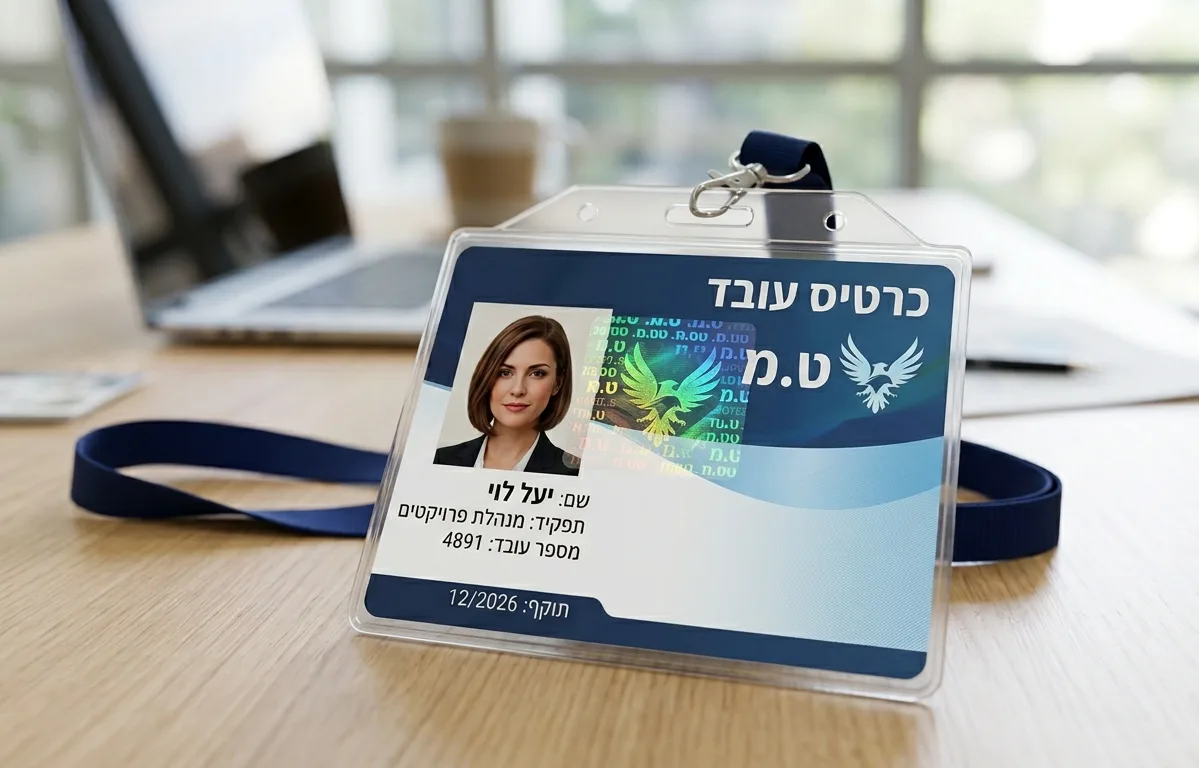
- Holographic elements
- Holographic hot stamping
- UV printing
- Microtext
- Guilloche patterns
- Secure laminates
- Customized overlays
With holographic hot stamping, a holographic foil is transferred and bonded to the card surface using heat and pressure. Unlike a standard printed image, the feature requires specialized materials and equipment, making it more difficult to reproduce convincingly.
A hologram does not replace electronic card security. It adds a visible verification layer and can also provide a premium, branded appearance.
One Identity Across Physical and Digital Systems
The distinction between physical access and digital identity is becoming less rigid.
When the required systems are integrated, a compatible smart credential may be used for both:
- Opening an authorized door
- Logging in to a workstation
- Authenticating to applications
- Signing documents digitally
- Accessing cloud services
- Supporting passwordless authentication
Organizations may also extend their credential programs to smartphones, wearables and digital wallets. A physical card and a mobile credential can coexist, allowing the organization to support different users, locations and operational requirements.
The objective is not necessarily to eliminate the physical card. It is to create a coordinated identity environment in which credentials can be issued, updated and revoked according to the employee’s current role.
Choosing the Right Corporate Credential
Before selecting a solution, organizations should consider:
- Is the card required only for visual identification?
- Must it work with an existing access-control system?
- Is computer or application authentication required?
- What level of protection against copying or counterfeiting is needed?
- Will the card support multiple applications?
- How will lost cards and departing employees be managed?
- Is compatibility with mobile credentials required?
- Will cards be issued internally or through an external service bureau?
The answers determine whether the organization needs a basic printed ID card, a secure access credential or a converged physical and digital identity solution.
Corporate ID Card Solutions from Computer Guard
For over 40 years, Computer Guard has provided identification solutions and services for commercial organizations, public institutions, government agencies and other secured environments.
Our capabilities include:
- Corporate ID card design and production
- Employee photography and personalization
- Smart-card encoding
- RFID and MIFARE DESFire credentials
- PKI and strong-authentication solutions
- Visual security and holographic features
- Card printers and issuance systems
- Readers and encoders
- Physical access-control solutions
- Secure computer access and digital identity solutions
- Mobile access technologies
Each solution is selected according to the organization’s existing infrastructure, operational processes and required security level.
Frequently Asked Questions
Can one employee card be used for both doors and computer login?
Yes, but only when the card and the relevant physical and digital systems support compatible authentication technologies.
Does a hologram prevent a card from being copied?
A holographic feature makes visual counterfeiting more difficult and supports rapid inspection. Electronic cloning must be addressed separately through secure credential technology and proper key management.
Are all contactless employee cards equally secure?
No. Contactless cards use different technologies, authentication methods and encryption capabilities. The appropriate credential should be selected according to the organization’s risk level and existing systems.
Will mobile credentials replace physical employee cards?
Mobile credentials are becoming increasingly common, but many organizations continue to use both physical and mobile credentials. The appropriate approach depends on user needs, infrastructure and security policy.
Contact Computer Guard
A corporate ID card should be designed as part of the organization’s wider identity infrastructure—not as a separate plastic accessory.
Contact Computer Guard to evaluate your current credential program and identify the right combination of card design, smart-card technology, access control and digital authentication.